
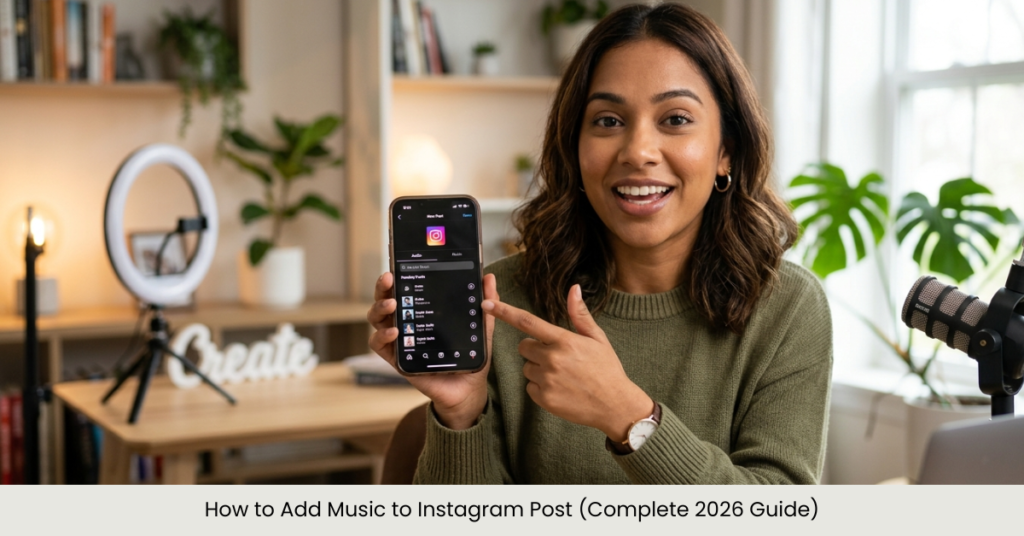

Ever noticed how some Instagram posts instantly grab attention just because of the music? That’s not a coincidence. Knowing how to add music to Instagram post can completely change how your content feels—turning a simple photo or video into something memorable.
In this guide, you’ll learn everything from adding music to regular posts (not just Stories) to doing it on desktop, after posting, or with multiple photos. Whether you’re a beginner or trying to level up your content game in 2026, this guide has you covered.
Why Add Music to Instagram Posts?
Before we jump into the steps, here’s why music matters:
- Boosts engagement and watch time
- Creates emotional connection with viewers
- Makes your posts more shareable
- Helps your content stand out in crowded feeds
How to Add Music to Instagram Post (Mobile Method)
This is the easiest and most common method.
Step-by-Step Guide:
- Open Instagram and tap the “+” (Create Post) button
- Select your photo or video
- Tap Next
- On the edit screen, tap “Add Music”
- Search or choose from trending songs
- Select the part of the song you want
- Tap Done, then Share
This works for both photos and videos, including how to add music to instagram post with video.
How to Add Music to Instagram Post with Multiple Photos
Instagram allows music on carousel posts too.
Steps:
- Select multiple images when creating your post
- Tap Next
- Choose Add Music
- Pick your song and adjust duration
Tip: The music will play across all slides, so choose a track that matches the overall vibe.
How to Add Music to Instagram Post on Computer (Desktop/PC)
Currently, Instagram desktop has limited features, but here are your options if you’re wondering how to add music to instagram post on pc:
Option 1: Use Mobile Emulation
- Open Instagram on Chrome
- Enable Developer Mode (Inspect Tool)
- Switch to mobile view
- Upload post and check if music option appears
Option 2: Use Third-Party Tools
- Edit your video with music using tools like video editors
- Upload directly from desktop
This is the most reliable way for how to add music to instagram post from computer.
How to Add Music to Instagram Post After Posting
This is one of the most searched questions—and here’s the honest answer:
Instagram currently does NOT allow adding music after posting.
So if you’re searching for how to add music to instagram post after posting or already posted, your options are:
Workarounds:
- Delete and repost with music
- Edit the video externally and re-upload
- Add music via Instagram Reels instead
How to Add Music to Instagram Post Not Story
Many users confuse Stories with posts. For clarity:
- Stories: Music sticker available
- Posts: Music option available during upload (for supported regions & accounts)
To ensure success:
- Update your Instagram app
- Use a business or creator account if needed
How to Add Music to Instagram Post with Video
Adding music to video posts is straightforward:
Steps:
- Upload your video
- Tap Add Music
- Sync audio with your clip
Pro Tip: Choose a segment that matches key moments in your video for better engagement.
How to Add Music to Instagram Post Without Copyright Issues
Using music incorrectly can mute your post.
Best Practices:
- Use Instagram’s built-in music library
- Avoid uploading copyrighted songs manually
- For business accounts, use royalty-free tracks
Common Issues and Fixes
1. Music Option Not Showing
- Update app
- Switch account type
- Check regional availability
2. Audio Muted
- Copyright restrictions
- Try another song
3. Desktop Limitations
- Use mobile for full features
FAQs
1. Can I add music to an Instagram post after sharing?
No, Instagram does not currently support editing posts to add music after publishing.
2. How do I add music to Instagram post on desktop?
You can use mobile emulation or upload a pre-edited video with music.
3. Can I add music to photo posts?
Yes, Instagram allows music on both single photos and carousel posts.
4. Why can’t I see the music option?
It may be due to app version, region, or account type limitations.
5. Is it better to use Reels instead?
Yes, Reels offer more flexibility with music and often get better reach.
Conclusion
Learning how to add music to Instagram post is one of the easiest ways to upgrade your content in 2026. Whether you’re posting a single image, a video, or multiple photos, music adds personality and boosts engagement.
If you can’t add music after posting, plan ahead and choose the right track before publishing. And if you’re using desktop, consider editing your media first for the best results.
Now it’s your turn—open Instagram, pick your favorite track, and make your next post stand out.